Shared Clipboard
The clipboard your Mac never gave your Tab.
Copy a link, note, or line of text on one screen and continue on the other when you choose.
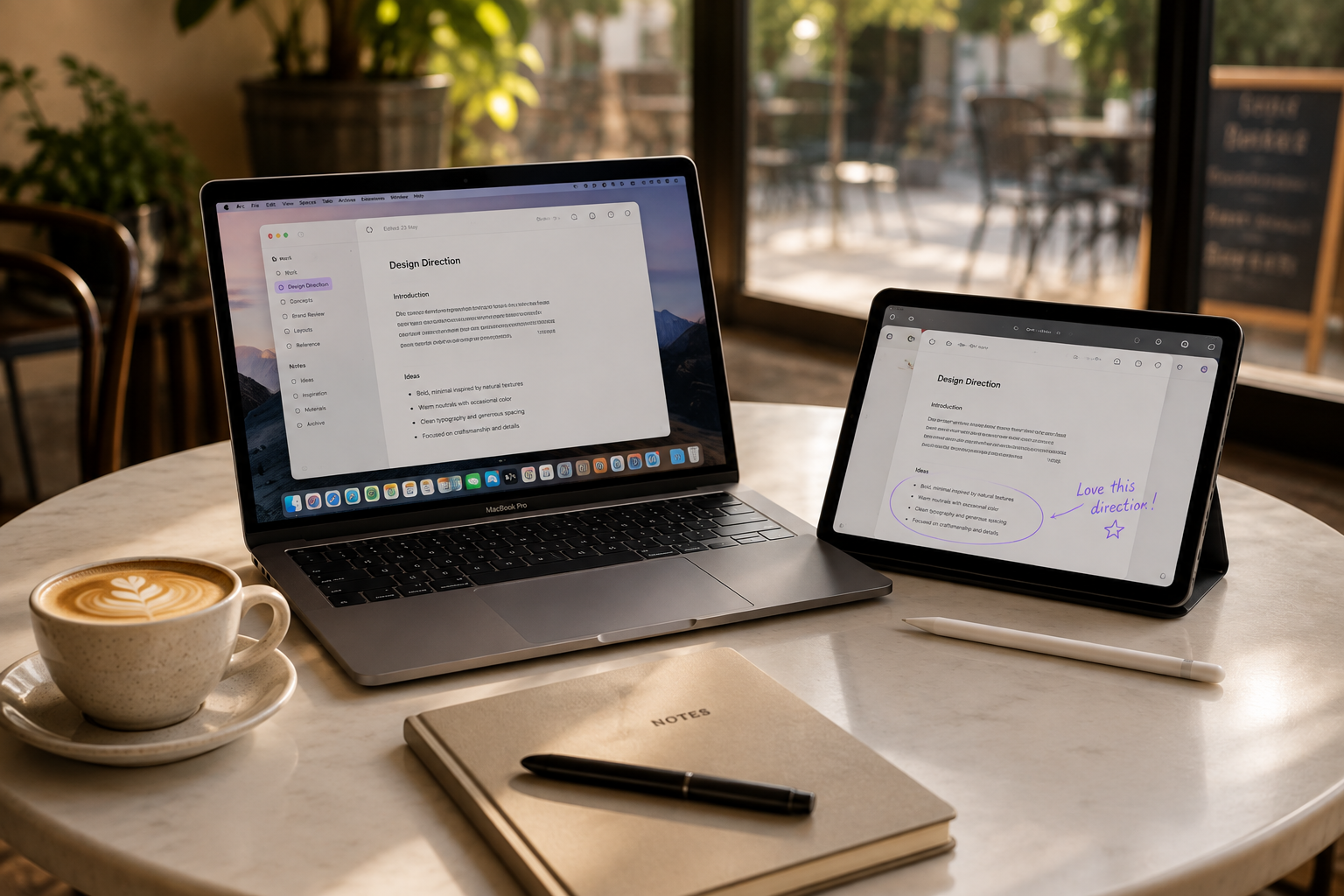
The ecosystem app for Mac + Android tablets
Files, copied text, and marked-up PDFs move privately between them. No cloud detour.
7 days free · No card required · Free Galaxy Tab companion
Edge Portal
Drag a file to the edge of your Mac. Edge Portal appears, your Galaxy Tab receives it, and the Mac gets out of your way again.
And back again
Share from Gallery, My Files, Samsung Notes export, or any app that gives TabShare a real file. Your Mac receives it locally and shows the next action.
See Tab to MacPaper Roundtrip
Send a PDF from your Mac to the Galaxy Tab, mark it up with the S Pen, and bring the annotated copy back beside the original.
Read the PDF annotation guideEveryday work
Shared Clipboard
Copy a link, note, or line of text on one screen and continue on the other when you choose.
Automatic Delivery
Drop today's PDFs into one folder. Your Tab gets them automatically.
Shelf
A local memory for the bridge, with recent work and useful next actions on the device that owns each file.
Private Link
TabShare pairs your devices explicitly, then moves files and clipboard text locally between trusted devices.
MacGalaxy Tab
Paired privately.
Why TabShare
Open a separate app. Pick a device. Send a file. Wonder where it landed. Repeat for text, PDFs, and daily folders.
Drop at the edge, share back from the Tab, mark up with S Pen, let TabShare Folder deliver the routine, and find recent work in Shelf.
They were always great devices.
They just needed an introduction.
TabSharePricing
Then keep the bridge with a one-time Mac license and the free Galaxy Tab companion.
One-time purchase for the first 200 customers. Standard price will be $69.